
Operations
Finance & POS
This area helps you manage money: invoices, expenses, customers, and POS.
Invoices
Use invoices to bill customers and track payments.
- Go to Invoices and click Create Invoice
- Pick a customer:
- Search by email or name
- Create a new customer if not found
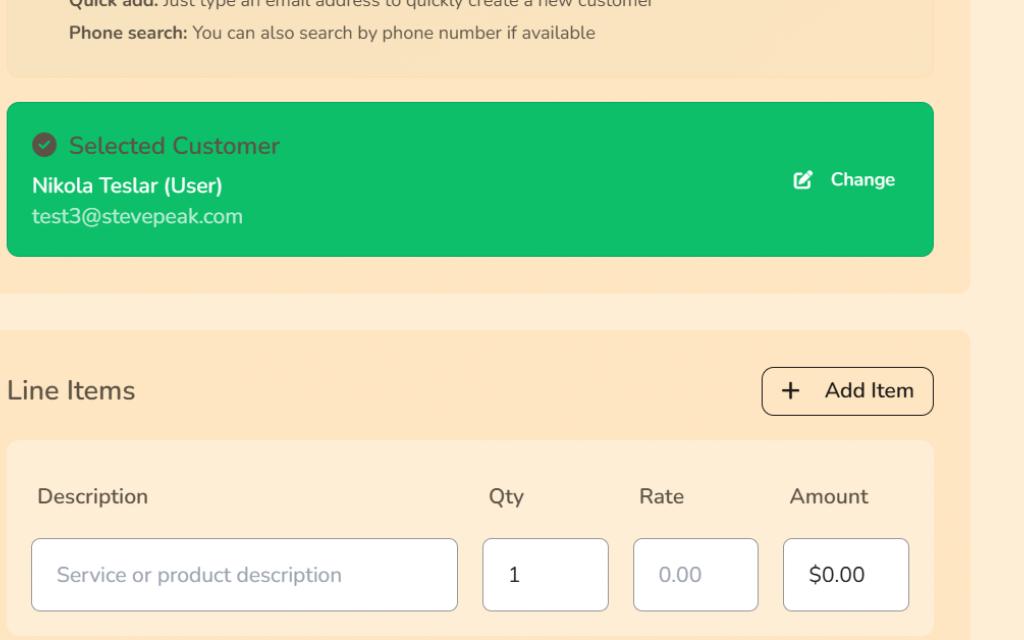
- Add items, due date, and tax
- Click Save & Send
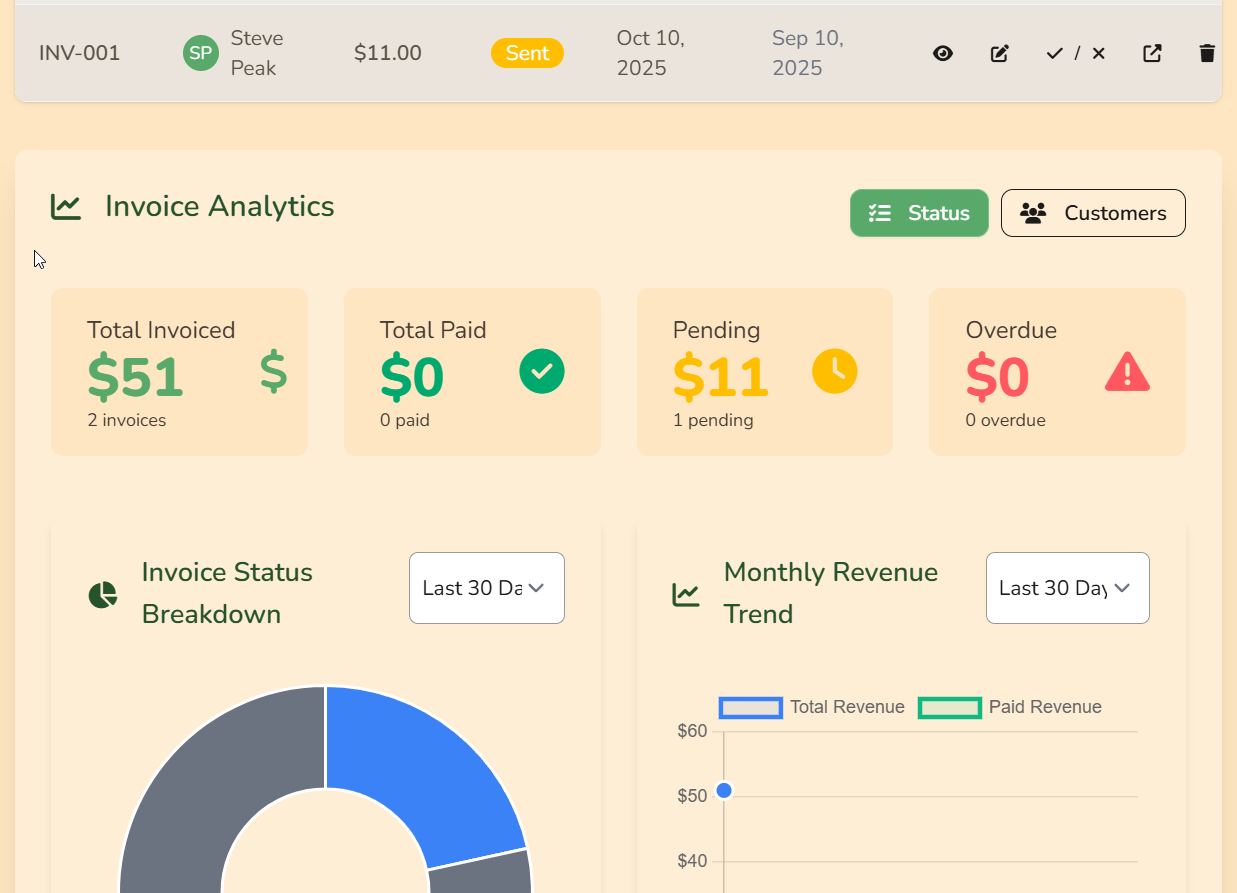
On the invoice index page you'll see all your invoices, with up-to-date status managed automatically, as well as totals and analytics. You can also manually adjust invoice statuses and settings quickly and easily from the table.
Expenses
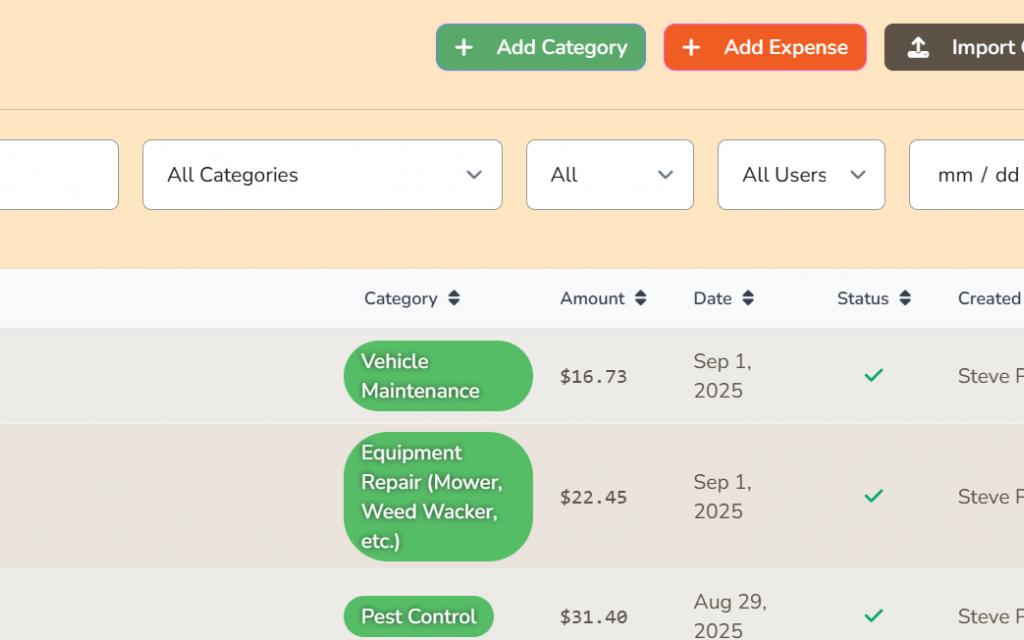
Track what your organization spends in Expenses .
- Use Add Expense for manual entries
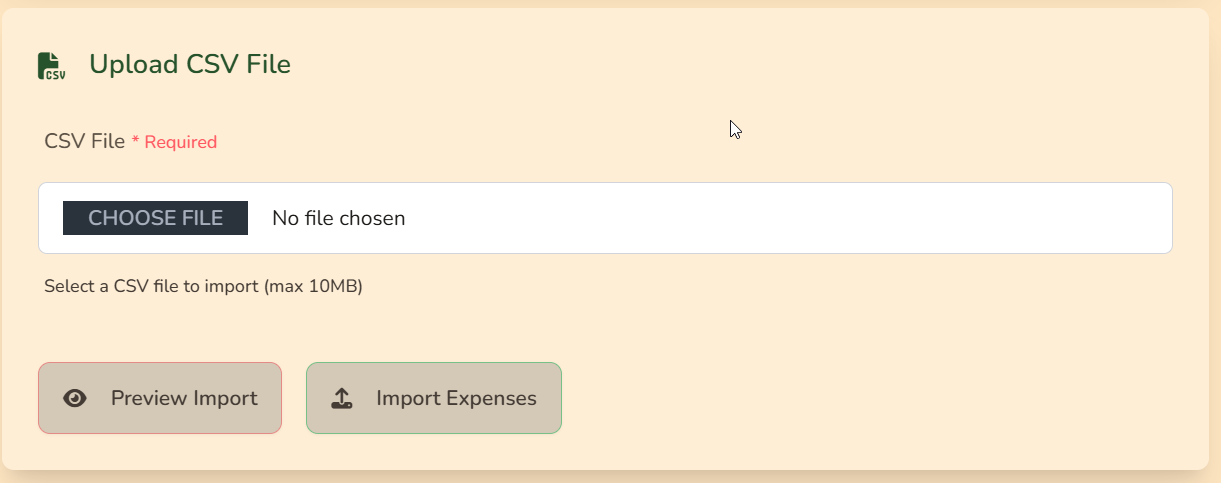
- Use Import CSV for bulk uploads
- Upload a CSV file with your expense data
- The system will help you map your CSV columns to the expense fields
- You can then review the import and approve or reject the expenses
- Managers can approve entries if needed
Customers
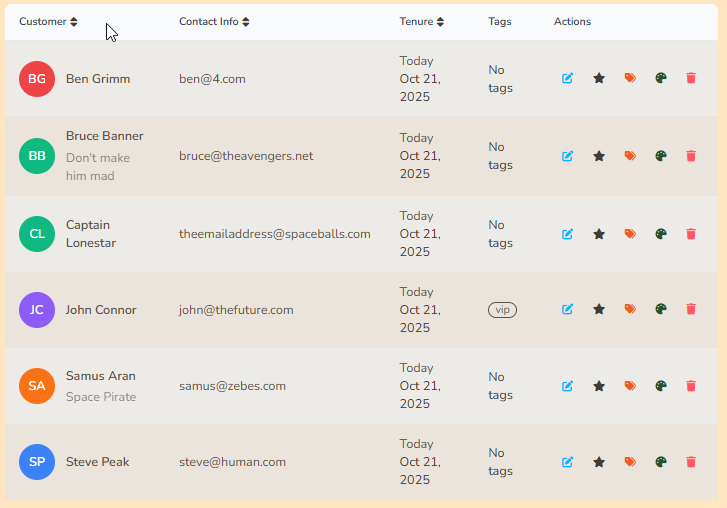
Keep customer contact details and history in one place under Customers .

Buyer Hub & Refunds
Buyers can open My Purchases & Bookings to see what they bought or booked, including order reference numbers, digital downloads, and ticket numbers.
- Buyer path: Account menu → My Purchases
- Order confirmation: sent by email after store checkout or paid POS sale
- Rental bookings: customer pays via invoice link after you confirm the booking
- Request refund: open an item and click Request refund
- Org review: use Refund Requests in the sidebar
- Full refunds: void unfulfilled store-sale records and restore ticket/physical stock automatically
Store Sales
Store Sales is where you fulfill online and POS product orders: redeem tickets, confirm pickup, mark shipped (with tracking), and mark rentals returned. Buyers receive reference numbers in their confirmation email.
See Products & Store for product types and setup.
Point of Sale (POS)
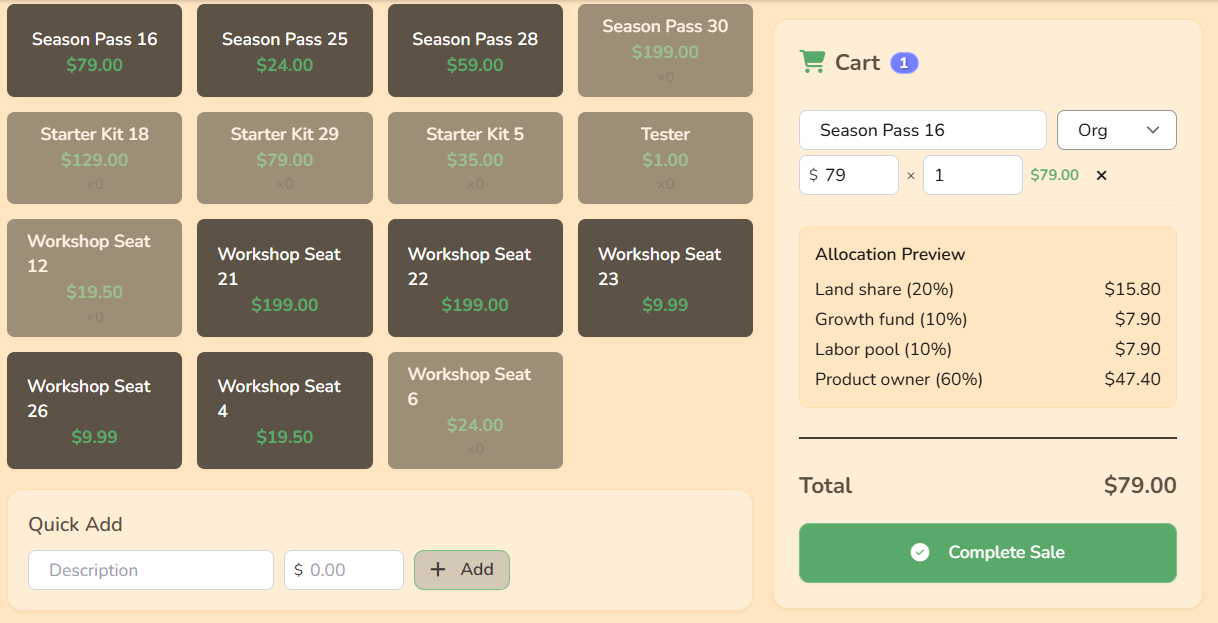
- Open Point of Sale
- Add products to cart
- Check the split preview
- Complete payment (cash or card)
- Use POS pages for vendors, labor, and stats
Example: $100 sale at 20% / 10% / 10% / 60% → $20 land, $10 growth, $10 labor pool, $60 product owner (split by vendor per line when assigned).
Work types & labor
Work type tags help organize work logs and labor reports.